

Copilot (Home)
Copilot is your AI-powered assistant and command center. It provides a natural language interface to explore your brand data, manage settings, and get quick insights.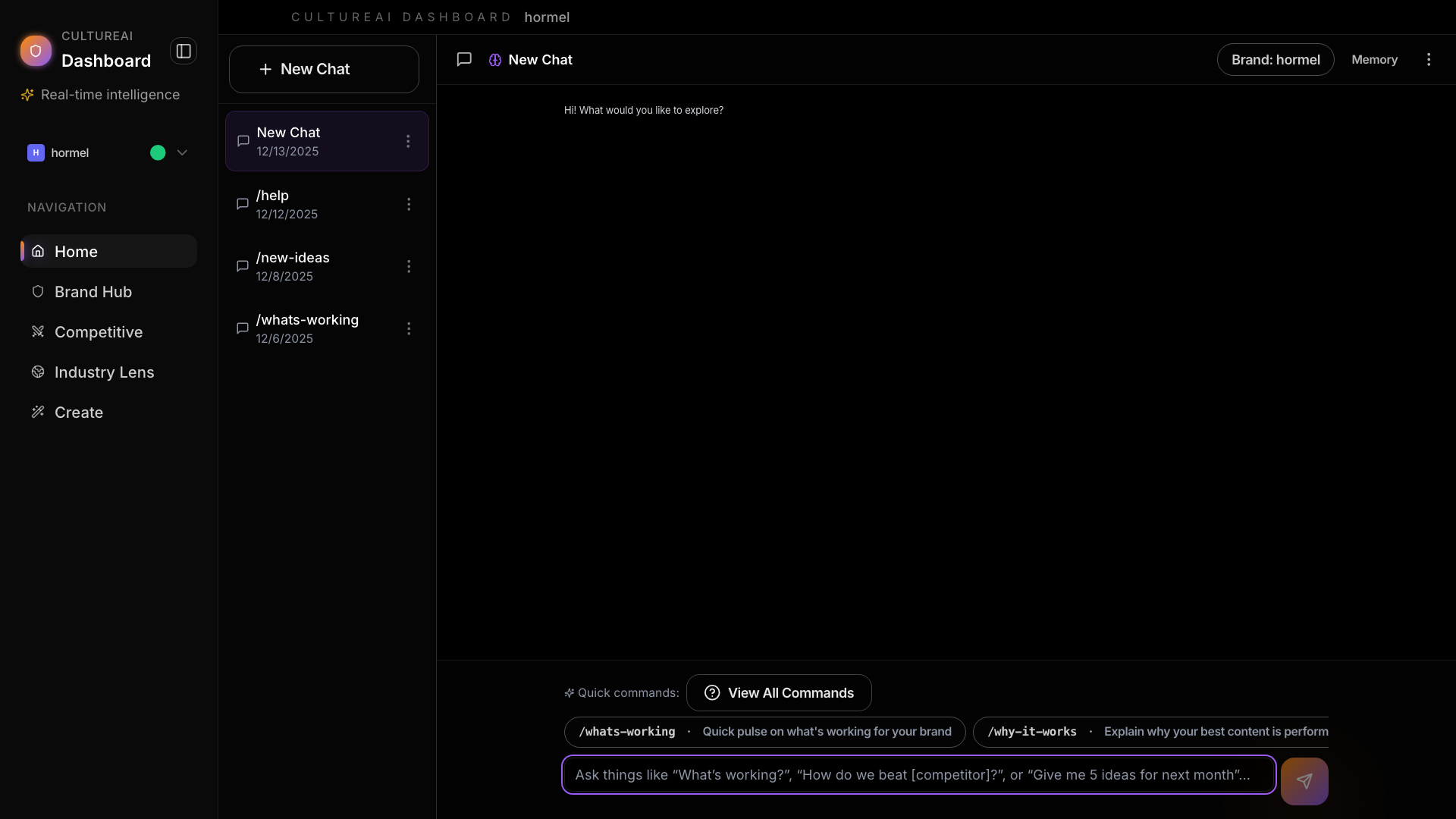
What Copilot Can Do
- Manage brand profiles — Update social handles and website information
- Discover competitors — Find and track brands in your space
- Track industry trends — Monitor hashtags and cultural movements
- Analyze performance — Get insights about what’s working
- Create content — Generate scripts and campaign ideas
- Run data jobs — Start scraping and data collection tasks
Common Commands
| What You Want | What to Ask |
|---|---|
| See brand profiles | ”Show me my brand sources” |
| Update a profile | ”Update my Instagram to @handle” |
| See competitors | ”Who are my competitors?” |
| Add a competitor | ”Add @brand as a competitor” |
| See hashtags | ”What hashtags am I tracking?” |
| Start a scrape | ”Scrape my competitors” |
| See top videos | ”Show me my top videos” |
| Write content | ”Write a script about X” |
Copilot Cards
Copilot responds with interactive cards that let you take action directly: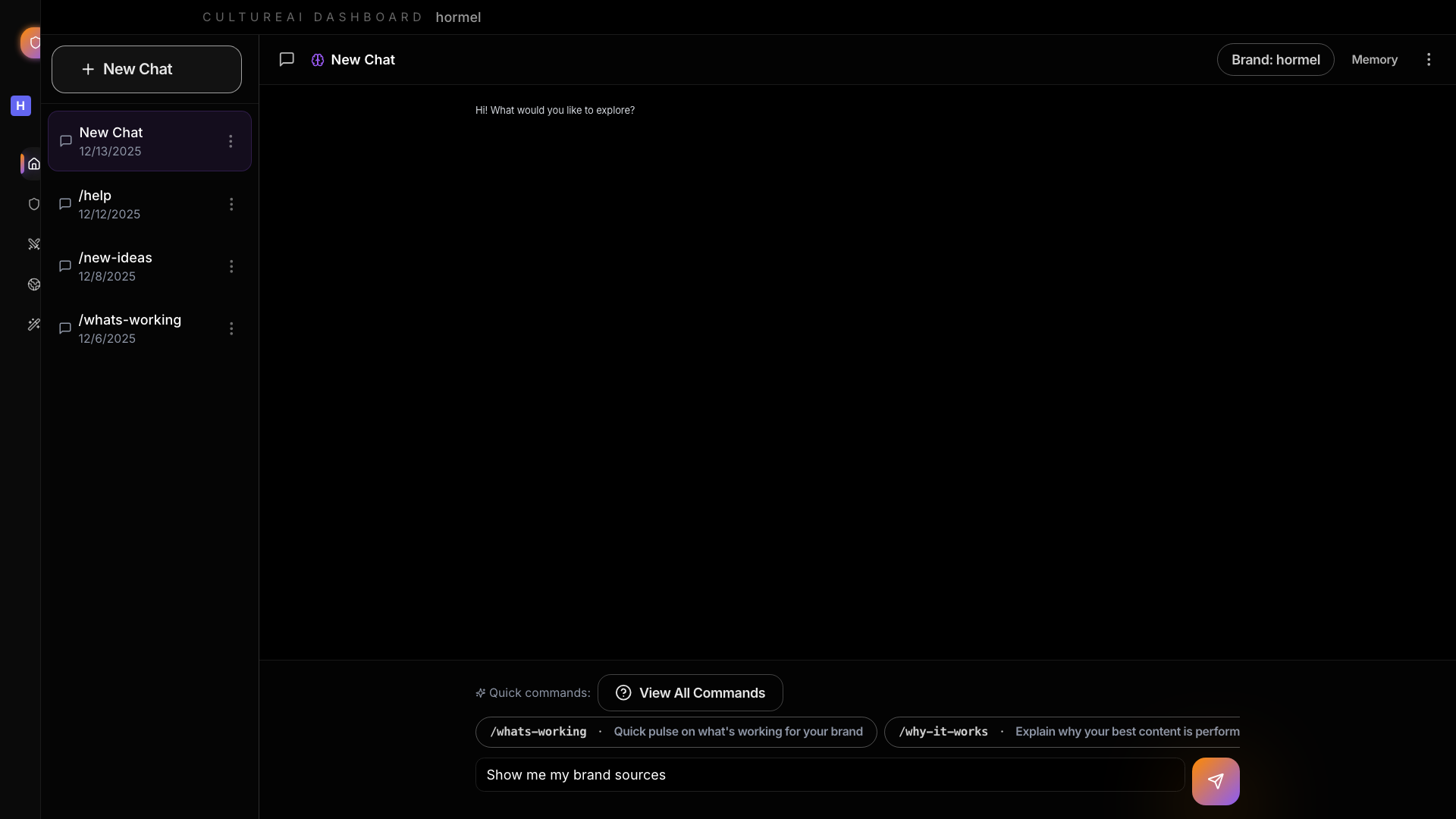
- Brand Sources — View and edit your social profiles
- Competitor List — Manage your competitor set
- Hashtag Manager — Track and prioritize hashtags
- Confirmation — Review changes before they happen
- Job Status — Monitor running background tasks
- Video List — Browse your top-performing content
- Metrics Summary — See key performance numbers
Tips for Better Results
Be Specific
Instead of: “Update my stuff” Try: “Update my Instagram handle to @newhandle”Ask Follow-up Questions
Copilot remembers your conversation, so you can ask follow-ups:You: “Show me my competitors” Copilot: shows list You: “Add @newbrand to that list”
Use Natural Language
You don’t need special commands. Just ask like you would ask a colleague:- ✅ “Can you add @competitor to my list?”
- ✅ “I want to track the #wellness hashtag”
- ✅ “Start scraping my competitors please”
Common Questions
”Why do I need to confirm changes?”
Copilot asks for confirmation before making changes to your data or starting jobs that use resources. This prevents accidental modifications.”How long do scraping jobs take?”
Most jobs complete in 2-5 minutes. Large competitor sets or industry scrapes may take longer.”Can I cancel a running job?”
Yes! Ask Copilot “Cancel my running job” or click the Cancel button on the Job Status card.”How often should I run scrapes?”
We recommend:- Brand refresh: Weekly
- Competitor scrape: Weekly or bi-weekly
- Industry scrape: Weekly