

Content Studio (Create)
Content Studio is your AI-powered video creation system. It transforms brand context, industry insights, and proven content patterns into optimized video prompts that generate AI videos.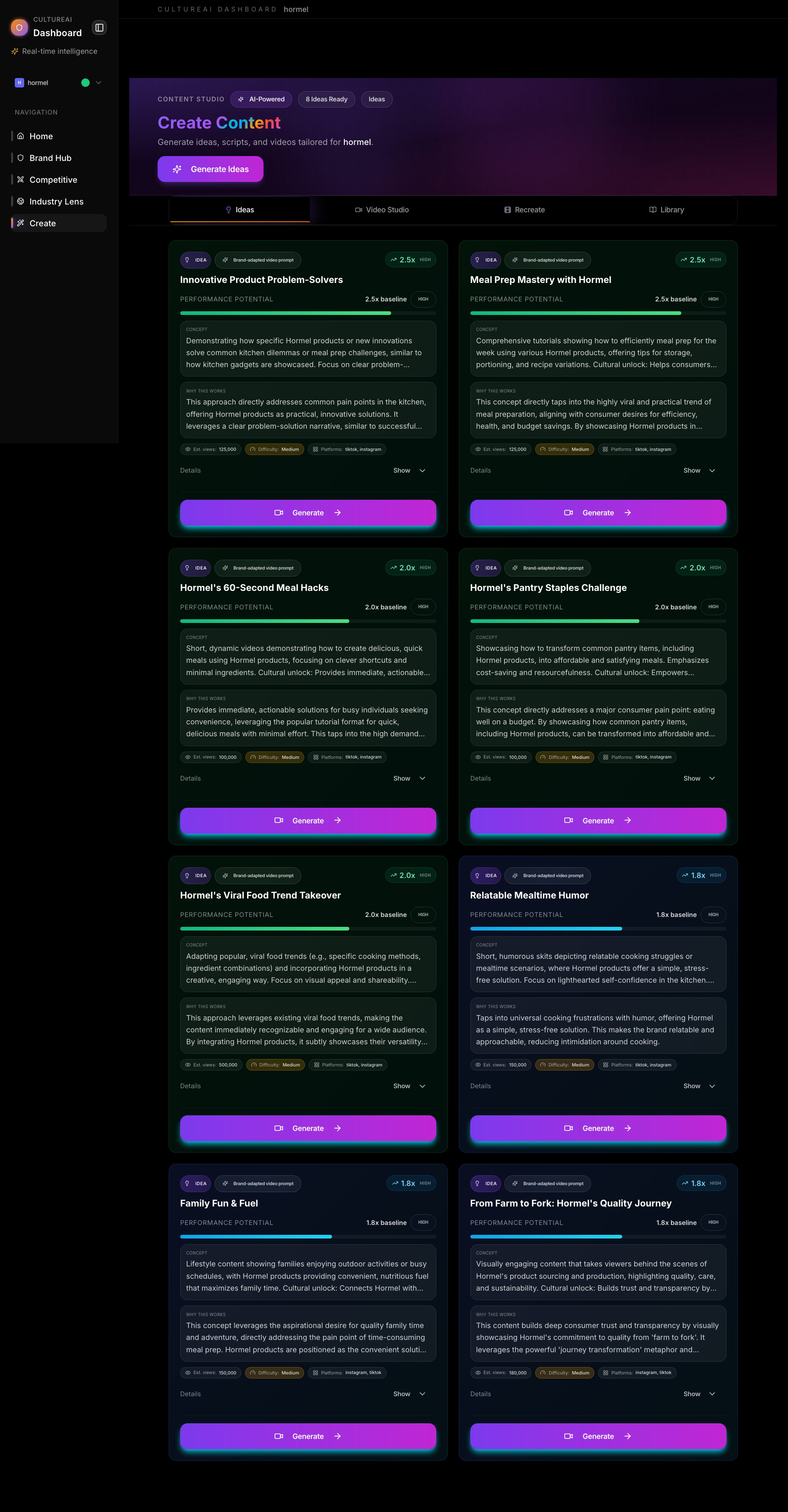
Core Concept
Tab Structure
Content Studio has four main tabs:- Ideas — AI-powered content idea generation
- Video Studio — Main video creation interface with Recipe Builder
- Recreate — Recreate top-performing videos
- Library — Your saved and generated videos
Ideas Tab
The Ideas tab generates content ideas based on your brand, competitors, and industry trends.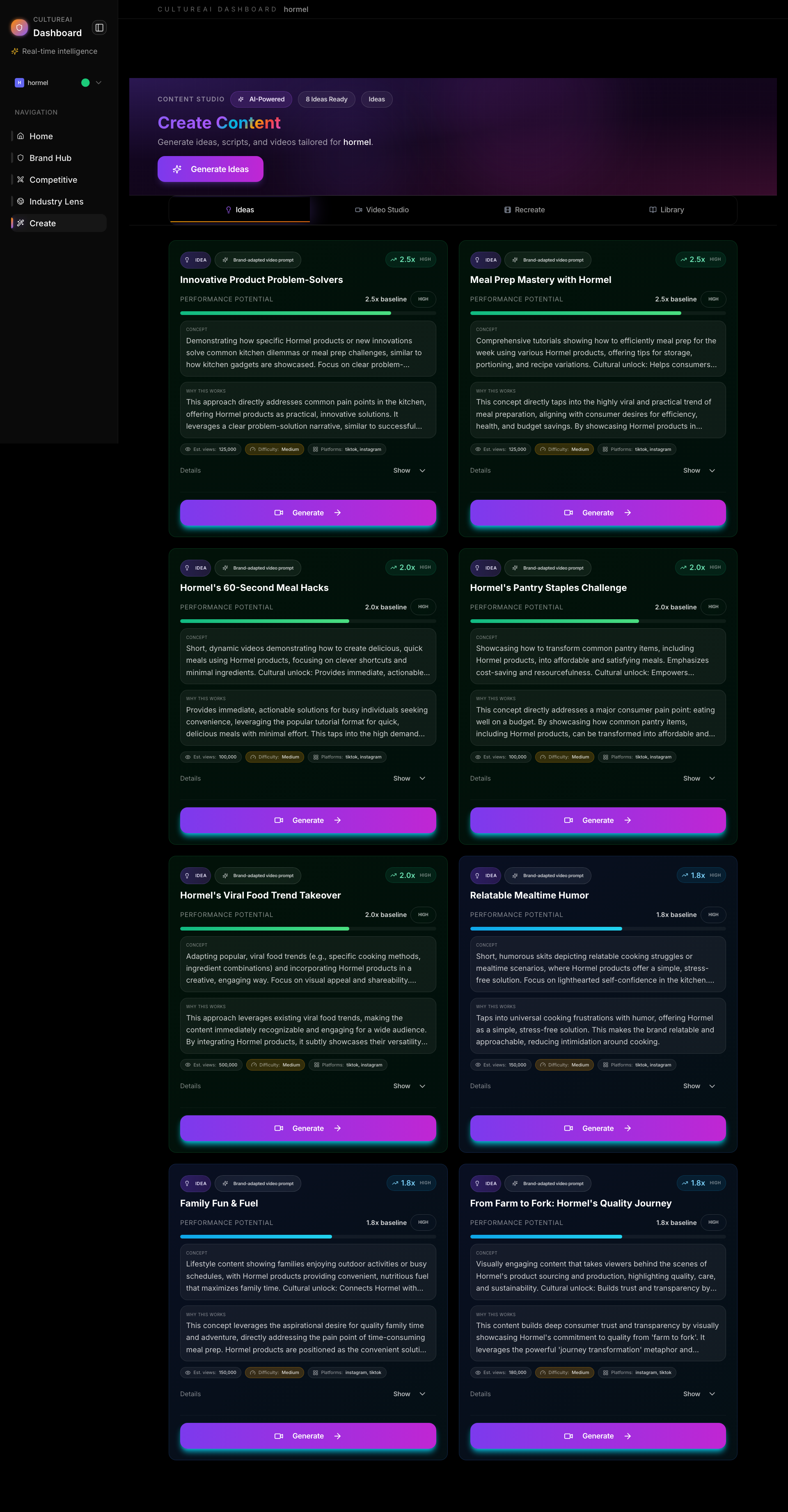
- Click Generate Ideas
- AI analyzes your brand context and industry data
- Returns 4+ content ideas with:
- Title and concept
- Hook suggestion
- Recommended platforms
- Why it works
- Idea cards with performance potential
- Industry playbook intelligence (behind the scenes)
- Brand context integration
- Review ideas and select promising ones
- Click Open in Studio to start creating
- Ideas automatically populate the Video Studio
Ideas are informed by your brand’s top performers, competitor analysis, and industry playbooks. The AI considers what works for brands like yours.
Video Studio Tab
The Video Studio is your main video creation interface. It uses a Recipe Builder system that treats video creation like cooking.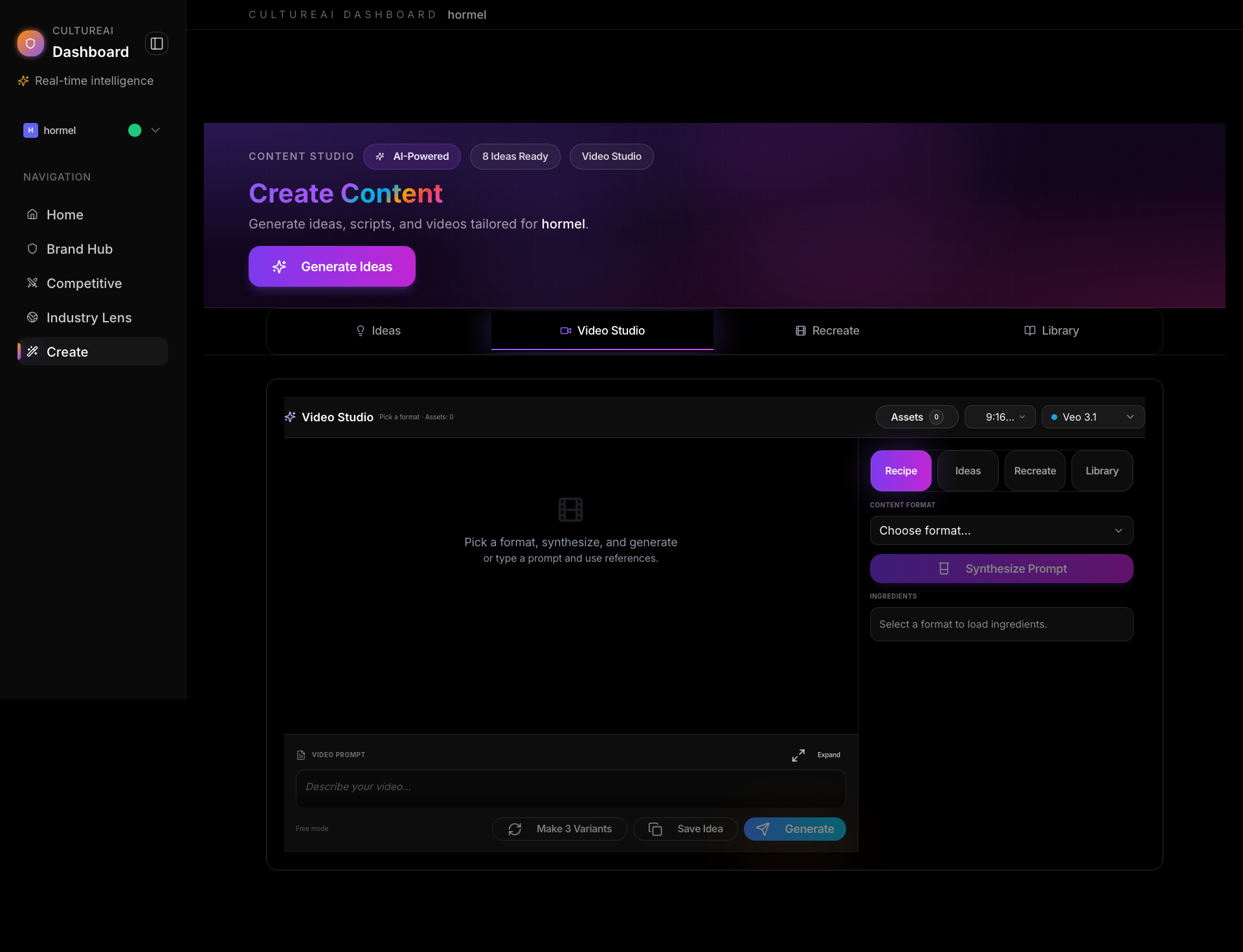
Recipe Builder Concept
- Format = The dish type (Tutorial, Behind the Scenes, etc.)
- Ingredients = The flavoring (Hook pattern, Narrative arc, Aesthetic, etc.)
- Recipe = The combination that produces a specific result
How to Create a Video
Step 1: Select a Format- Choose from 41 content formats (Tutorial, Storytelling, Behind the Scenes, etc.)
- Formats are ranked by performance data
- Each format has proven patterns
-
Hook — First 3 seconds attention grab
- 41 hook types available
- Ranked by engagement data
- Auto-suggests top performers
-
Narrative — Story structure
- 32 narrative arcs available
- Performance-backed suggestions
- Aligned with your brand’s winners
-
Aesthetic — Visual style
- 70+ aesthetic archetypes
- Industry-specific recommendations
- Brand-aligned suggestions
-
Mood — Emotional atmosphere
- 50+ mood types
- Performance-ranked
- Audience-resonant options
- Audio — Sound design (handled natively by models)
- The Recipe Builder generates an optimized prompt
- Prompt combines format + ingredients + brand context
- You can edit the prompt in the Prompt Editor
- Select AI model (Veo 3.1, Sora 2, Sora 2 Pro, Kling 2.6, Hailuo 2.3)
- Choose aspect ratio (9:16, 16:9, 1:1)
- Set Director Controls (optional)
- Click Generate Video
- System creates the video using the AI model
- Progress shown in real-time
- Review the generated video
- Use Remix to tweak the prompt
- Use Extend to continue the video (Veo 3.1)
- Use Make 3 Variants for variations
- Save as template for reuse
Director Controls
Director Controls let you fine-tune video generation: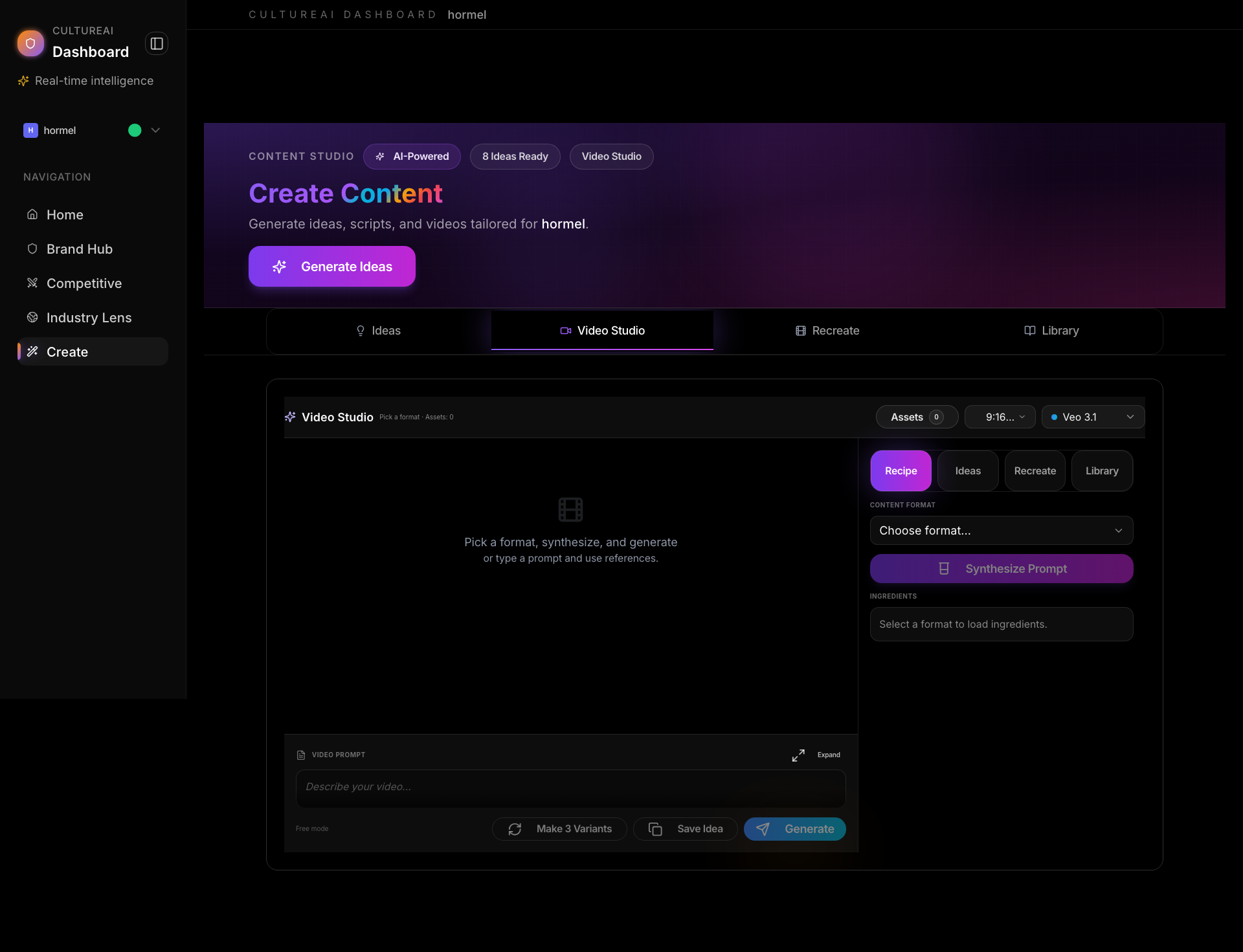
- Negative Prompt — Elements to exclude
- Camera Preset — Static, pan, zoom, orbit, dolly, tracking, handheld
- Duration — 5s, 8s, 10s, 15s, 20s
- Motion Intensity — 0-4 slider (subtle → dramatic)
- Fixed Seed — For reproducibility
- Style Preset — Override default style
Prompt Editor
The Prompt Editor provides:- Structured View — Organized sections (Scene, Action, Style, etc.)
- Full-Screen Editing — Focused editing mode
- Auto-Parsing — Automatically organizes prompt sections
- Collapsible Sections — Easy navigation
Variants and Iteration
The Video Studio supports iteration workflows: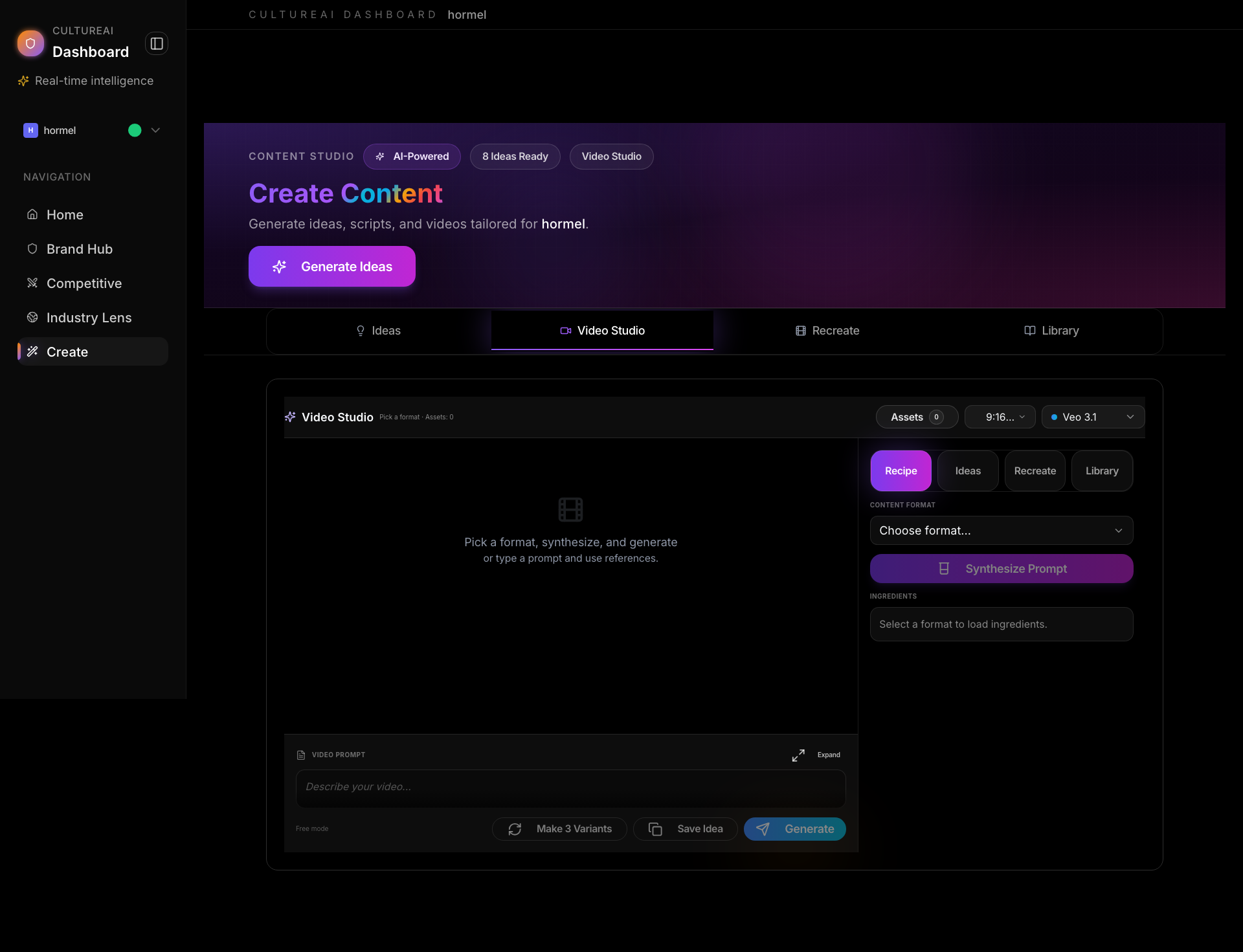
- Variants Grid — View multiple versions side-by-side
- Compare Mode — Select 2 variants to compare
- Winner Annotation — Mark your favorite variant
- Version History — Track parent/child relationships
Template Gallery
Save successful recipes as templates: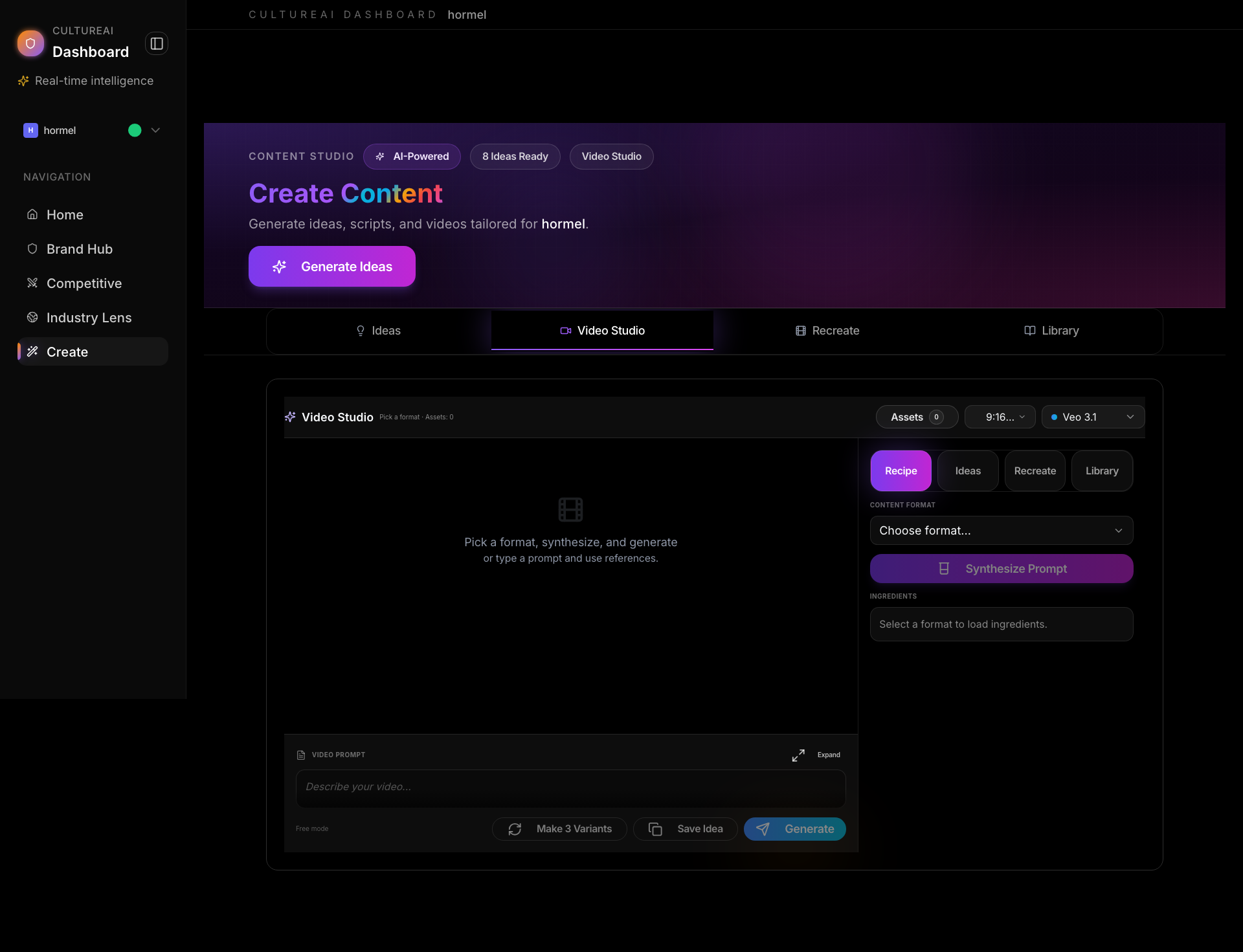
- Save Template — From any video or prompt
- Template Gallery — Browse saved templates
- Apply Template — Load template into studio
- Search and Tags — Organize templates
Recreate Tab
The Recreate tab lets you recreate or remix existing high-performing videos.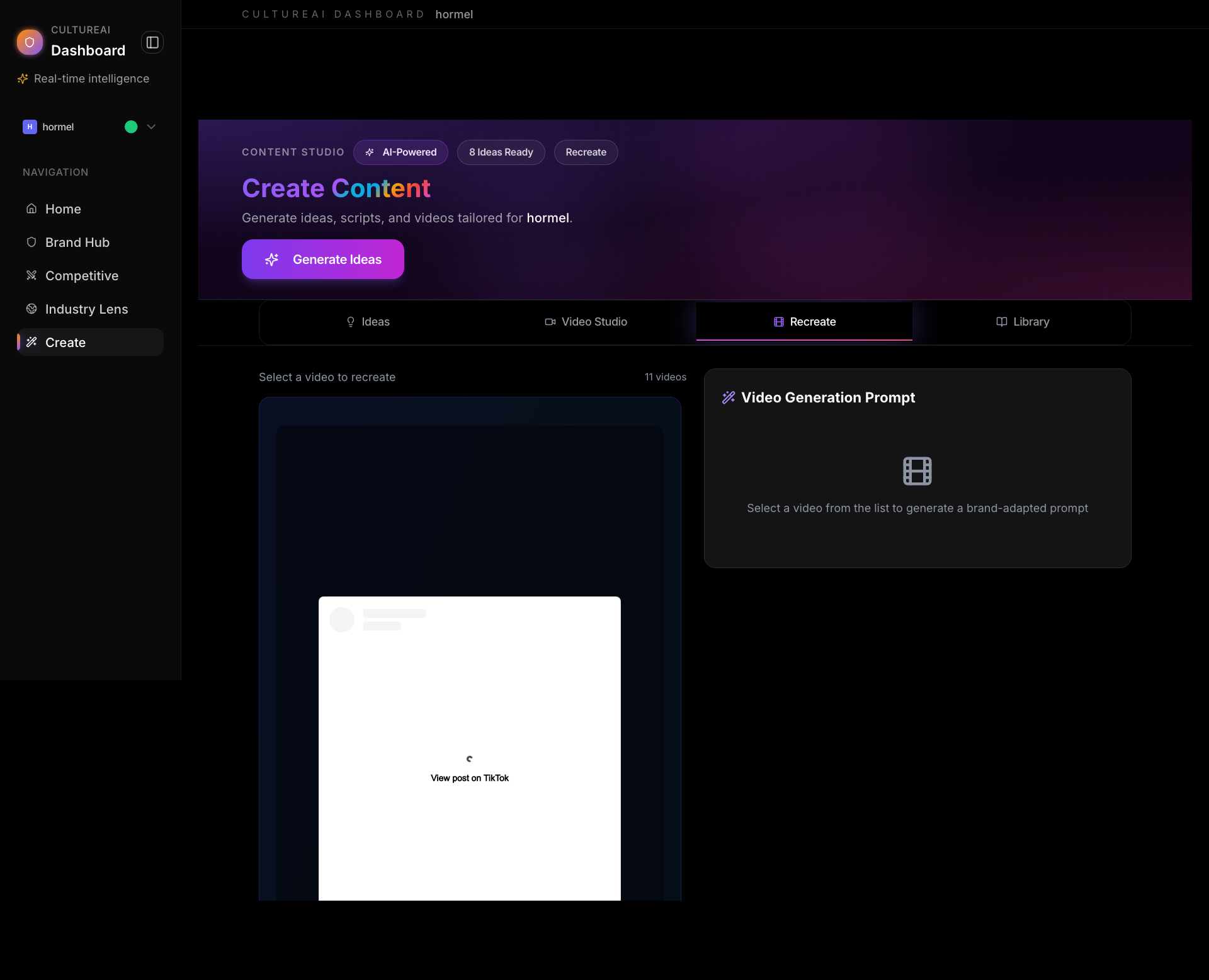
- Browse your top-performing videos
- Select a video to recreate
- System extracts:
- Original prompt
- Director’s brief
- Creative direction
- Generate new prompt based on original
- Create new AI video
- Remix successful content
- Test variations of winners
- Scale what works
- Adapt top performers for different contexts
Library Tab
The Library stores all your generated videos.
- View all videos for your brand
- Filter and search
- Version history (parent/child relationships)
- Download videos
- Reprompt/iterate on existing videos
- Use as Base — Load variant config into editor
- Remix — Open prompt editor with delta changes
- Extend — Continue video (Veo 3.1)
- Save Template — Persist as reusable template
Tips
- Start with Ideas to get AI-powered suggestions
- Trust the auto-suggested ingredients — they’re performance-ranked
- Generate multiple variants and compare
- Save successful recipes as templates for reuse
- Use Director Controls to fine-tune generation
- Iterate on winners to scale what works