

Getting started
This guide is for anyone new to CultureAI — CMOs, heads of marketing, social and content leads, or agency teams who want a clear first path through the platform.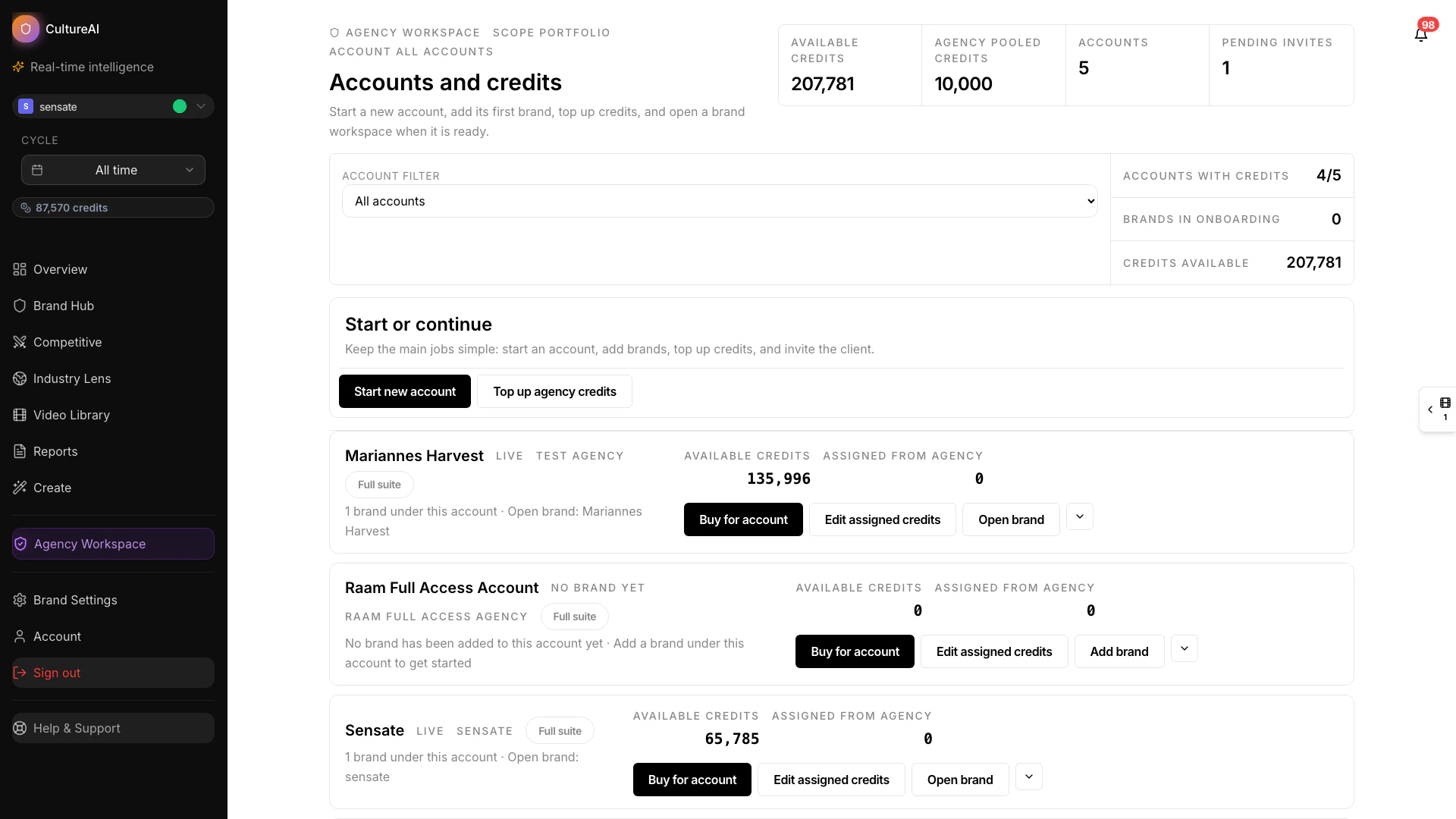
Start with a wide view of the product and navigate from the main sidebar
See the first steps
Quick onboarding flow
Your first goal
The first thing to aim for is not “learn every feature.” It is to understand:- what your brand looks like in the platform
- what questions you want answered
- which workflow is most relevant for your role right now
A simple first-week workflow
1. Get oriented
Start with:2. Review the main insight surfaces
Spend a little time in the views most teams use first:3. Understand how findings are packaged
Use these pages to understand the output you are seeing:4. Turn insight into action
When you are ready to apply what you are learning, continue with:Good questions to ask early
Start with the questions that are most relevant to your role. If you’re a CMO or head of marketing:- Which content patterns are consistently driving results for our brand?
- Where are competitors outperforming us, and why does that matter?
- What should we prioritise in our next planning cycle?
- How do we explain our content strategy performance to leadership?
- What formats and narratives are working best right now?
- Which creators are worth partnering with for our next campaign?
- What should we brief our team on next?
- Where are we missing opportunities our competitors are using?
- How does this client’s brand compare to their key competitors?
- What category trends should inform the strategy we’re presenting?
- Which findings are most useful for a client narrative or campaign brief?
Best way to learn
Use the docs as a companion to what you are seeing in the product. The fastest route to value is usually:- Review the page that matches your immediate need.
- Explore the related feature inside the platform.
- Follow up with a report or Copilot question.