> ## Documentation Index
> Fetch the complete documentation index at: https://docs.cultureai.dev/llms.txt
> Use this file to discover all available pages before exploring further.
# Competitive reports
> Benchmark your brand against competitors and identify your next opportunities
# Competitive reports
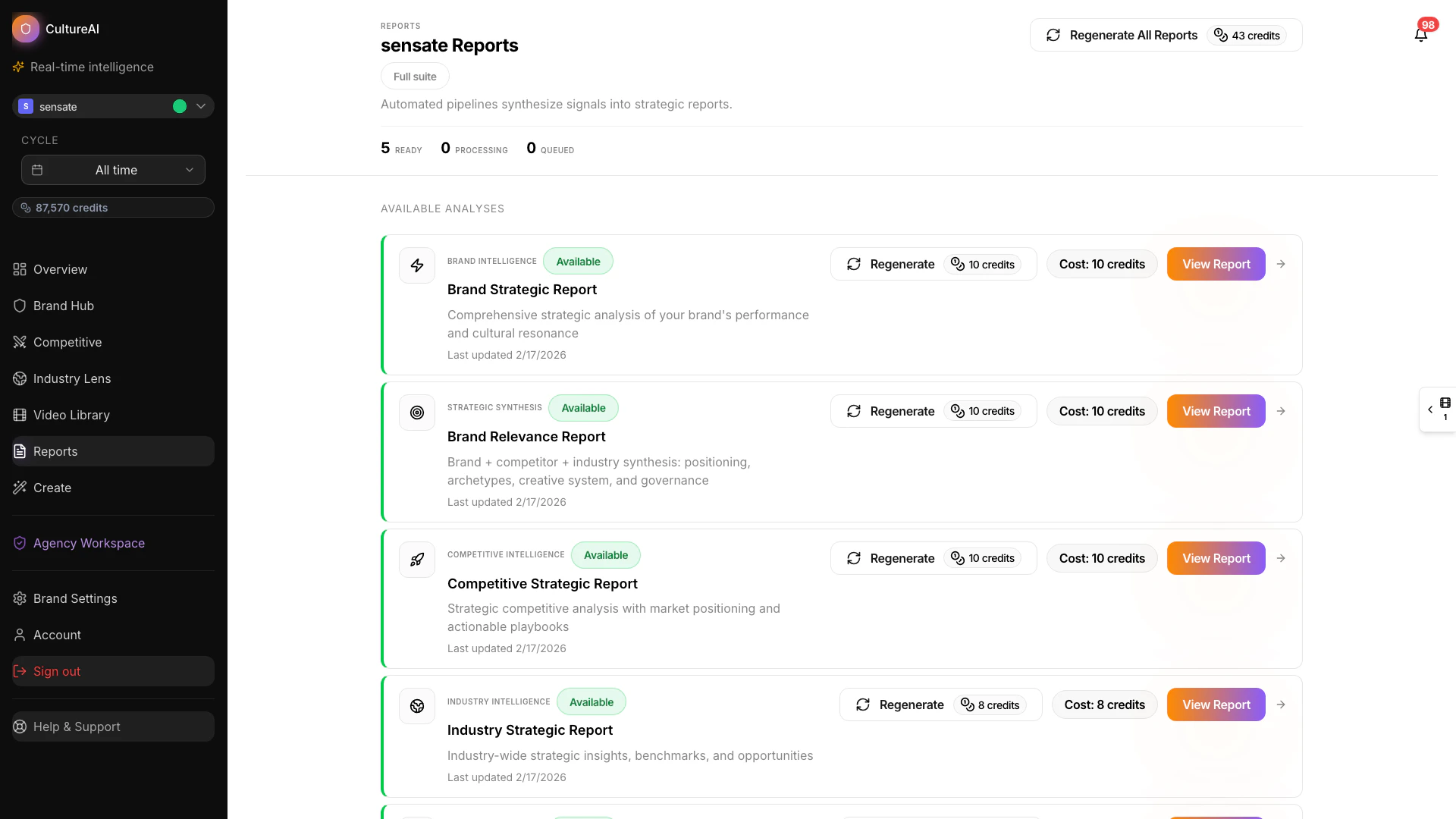
Competitive reports help you understand how your brand compares with the brands you are up against most often. They are built for teams that need a clear view of where they are winning, where they are being challenged, and what opportunities are available next.
## See it in action
 ## What a competitive report shows
Competitive reports usually bring together:
* your brand's current position against selected competitors
* the content patterns competitors are using most often
* the areas where competitors appear stronger or weaker
* practical opportunity areas your team can prioritize
## What they are good for
Use a competitive report when you want to:
* prepare for planning or campaign review
* explain market position to clients or leadership
* identify whitespace in the category — areas where competitors have limited presence and your brand could differentiate or test
* understand which competitor moves are worth responding to
## How to read one
A good way to approach a competitive report is:
1. Start with the big picture and see where your brand stands overall.
2. Review which patterns or themes seem to be helping competitors most.
3. Separate "interesting" from "actionable" by focusing on the gaps your team can realistically address.
4. Turn the best opportunities into tests, briefs, or new concepts.
## What to do next
Competitive reports are often the bridge between analysis and action. After reviewing a report, teams usually:
* ask follow-up questions in Copilot
* explore competitor behavior in more detail
* build a content response in Content Studio
* share the findings with internal teams or clients
## Related pages
Explore competitor behavior directly inside the product.
Step back from specific rivals and understand the wider category.
Turn competitive opportunity areas into new creative directions.
Learn how CultureAI structures report-ready insight.
## What a competitive report shows
Competitive reports usually bring together:
* your brand's current position against selected competitors
* the content patterns competitors are using most often
* the areas where competitors appear stronger or weaker
* practical opportunity areas your team can prioritize
## What they are good for
Use a competitive report when you want to:
* prepare for planning or campaign review
* explain market position to clients or leadership
* identify whitespace in the category — areas where competitors have limited presence and your brand could differentiate or test
* understand which competitor moves are worth responding to
## How to read one
A good way to approach a competitive report is:
1. Start with the big picture and see where your brand stands overall.
2. Review which patterns or themes seem to be helping competitors most.
3. Separate "interesting" from "actionable" by focusing on the gaps your team can realistically address.
4. Turn the best opportunities into tests, briefs, or new concepts.
## What to do next
Competitive reports are often the bridge between analysis and action. After reviewing a report, teams usually:
* ask follow-up questions in Copilot
* explore competitor behavior in more detail
* build a content response in Content Studio
* share the findings with internal teams or clients
## Related pages
Explore competitor behavior directly inside the product.
Step back from specific rivals and understand the wider category.
Turn competitive opportunity areas into new creative directions.
Learn how CultureAI structures report-ready insight.